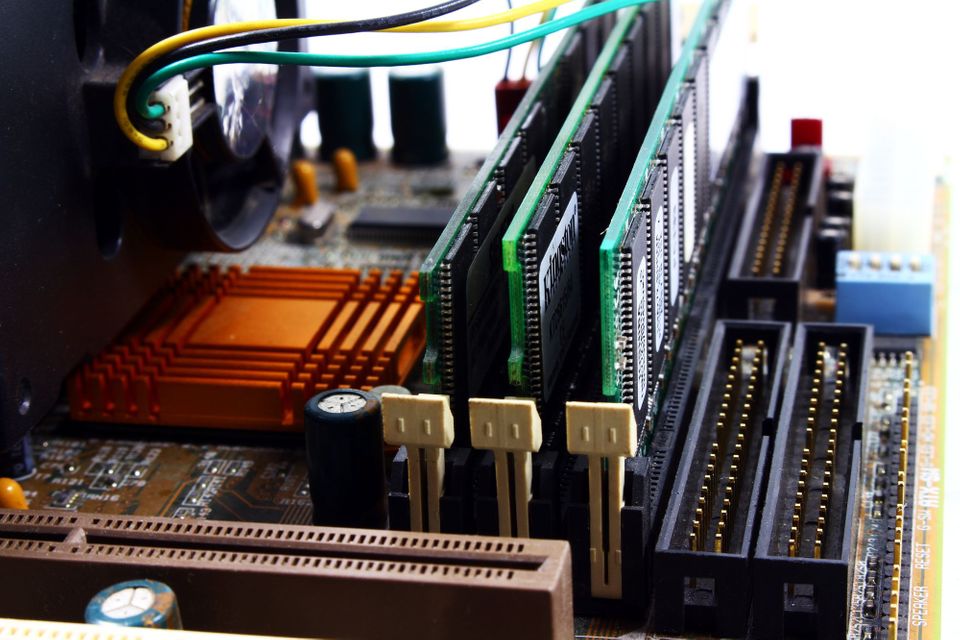
One of the first things I did when I ordered our DS412+ was to order a 4GB SO-DIMM RAM module for it.
Having read on forums on the internet that people had successfully upgraded their DS412+’s with a 4GB module I was quite keen to get more RAM into the system. The DS412+ comes with 1GB of RAM by default – which is quite alright, especially when you upgrade from a model with 256MB.
I also planned on maybe running some more RAM intensive services like Crashplan on the DS in the future so I upgraded it right away when the RAM arrived. I booted it up and everything worked beautifully.
Almost half a year later I came across another blog post and a few discussions on Synology related forums and found that quite a few people were describing problems with their DS412+ with 4GB of RAM installed. Luckily I wasn’t having any of these particular problems at the time but I decided to downgrade to 2GB anyways. I really didn’t want to do anything that could endanger our digital lives.
I ordered a 2GB Kingston Value RAM SO-DIMM module (KVR1066D3S8S7/2G) from Amazon.
When the 2GB of RAM arrived I put it aside for a couple of days but I ended up installing it yesterday.
And behold: my DS412+ suddenly transformed! Performance for the Apache web server became instantly a lot better. I would roughly guess that web content hosted on my DS now loads between 4-8 times faster! PhotoStation underwent a most remarkable transformation from a pretty but sluggish service to a pretty and very zippy one indeed!
Crashplan (which uses a lot of RAM anyway) went from uploading @ ~500kbps to 5 Mbps!
I can recommend everyone to at least temporarily switch their 4GB RAM module for a 2GB one and see if it makes a difference. I couldn’t quite believe how much faster the Diskstation now runs.
Running Crashplan and quite a few other services I still have about 50% of the 2GB RAM free so no real need for 4GB anyway.
UPDATE:
After Boggy suggested in the comments that the slowdown may be related to RAM incompatibility (the Atom in the DS can deal with 1066Mhz RAM but I used a 1333Mhz module) I went ahead and ordered a Transcend 4GB 1066Mhz CL7 module. I’ve just installed it and sadly it is the same issue: the system really slows down to a crawl and exhibits a very high load. There is a discussion on stackexchange where possible causes for this issue are discussed. Unfortunately I think there’s no other way to get more RAM than to buy a new DiskStation. Not for me anytime soon me thinks…